Features

From first recording to finished summary.

Follow one conversation through VoxTuta, step by step, then see everything the app does.

Register your interest

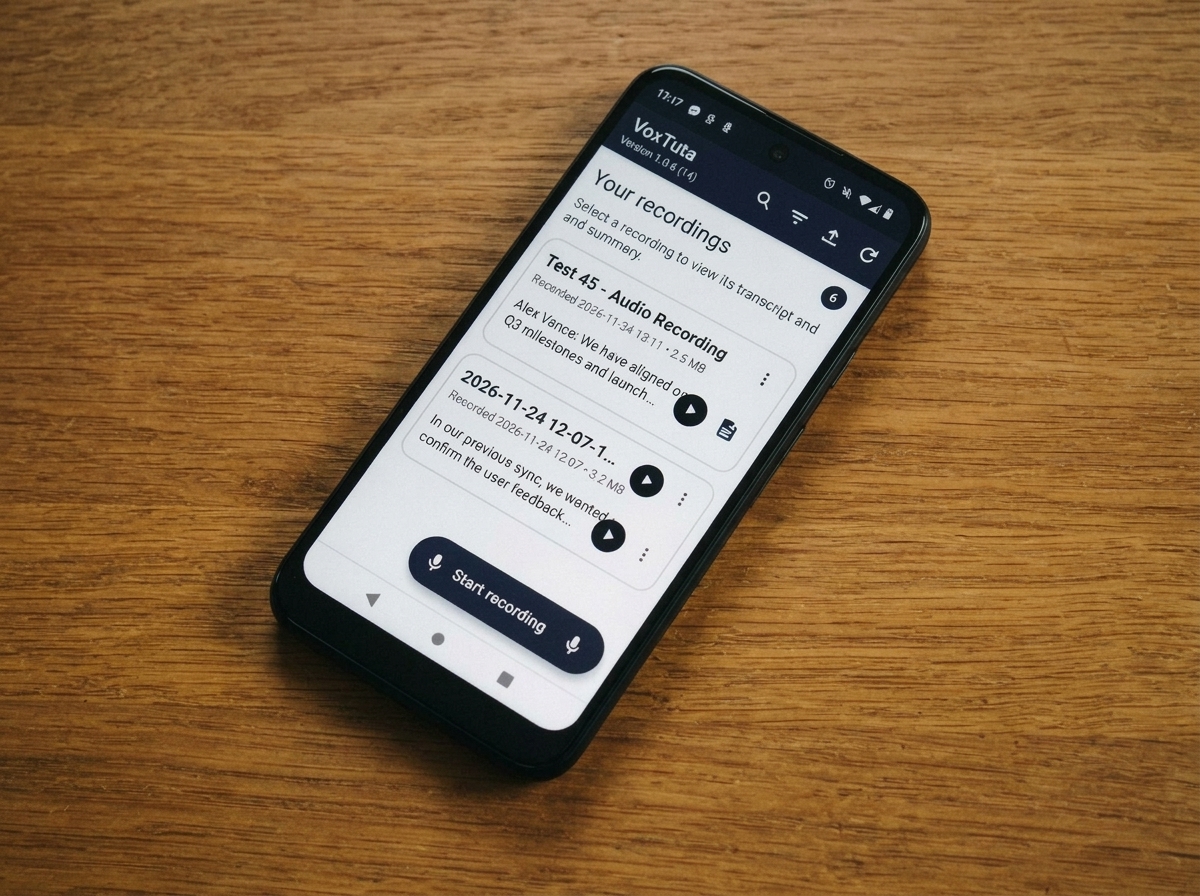
A phone on a wooden desk showing the VoxTuta recordings list
01

Record wherever it happens

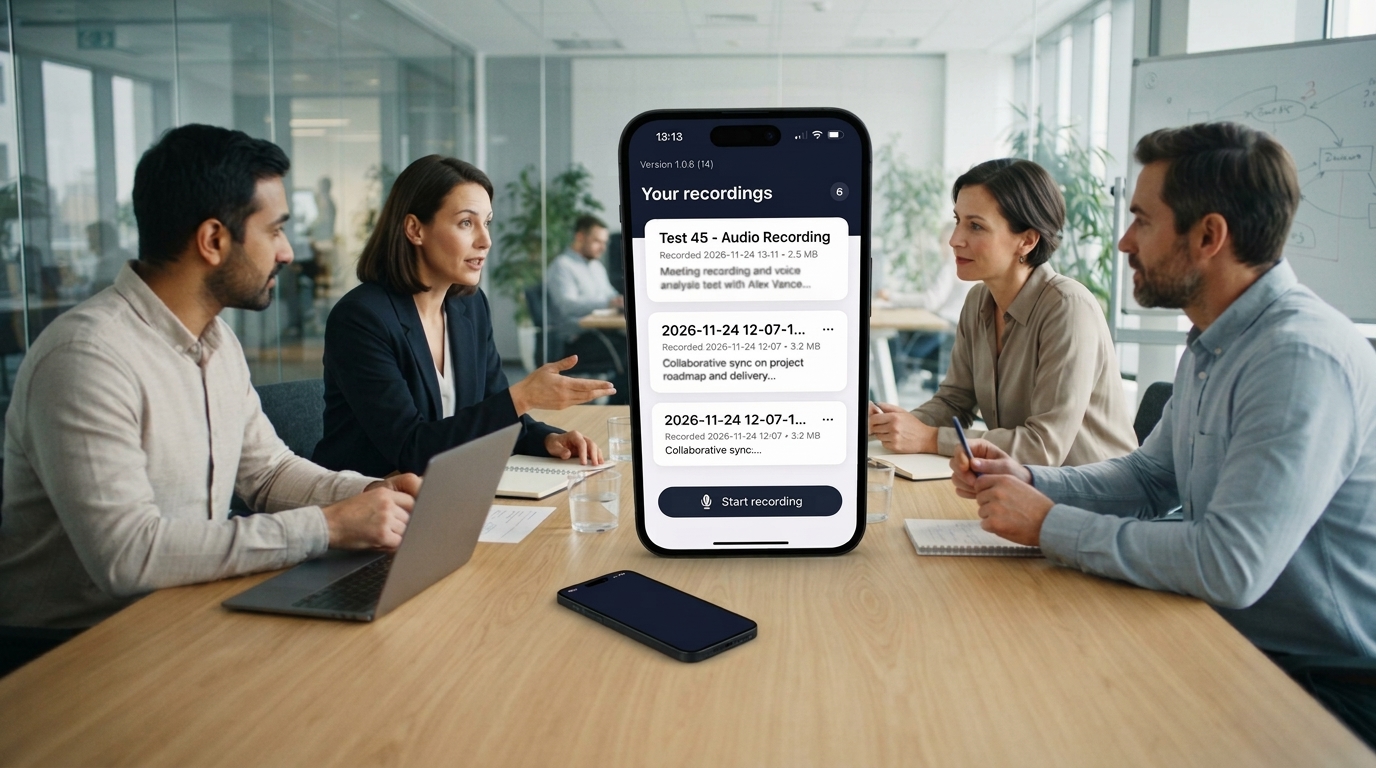
Put your phone on the table and tap record. Meetings, calls and voice notes all land in one tidy list, with the date, size and a preview of what was said.

  • One-tap recording
  • Every conversation in one place
Colleagues in a meeting with VoxTuta open on a phone
02

Transcribe when you are ready

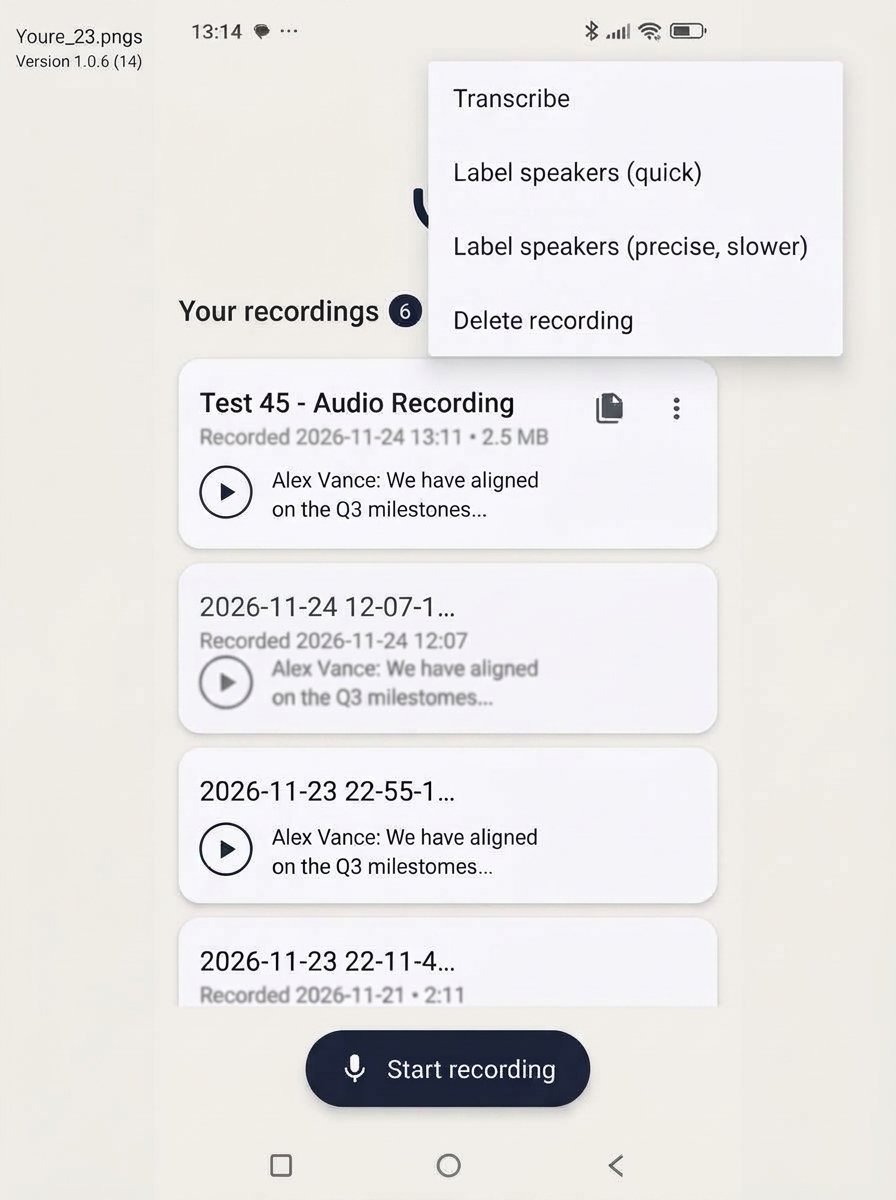
Every recording has its own menu. Transcribe it, label the speakers quickly or take the slower, more precise option, or delete it when you are done.

  • Quick or precise speaker labelling
  • You choose what runs, and when
The VoxTuta recording menu with Transcribe, Label speakers and Delete options
03

Continue on your desktop

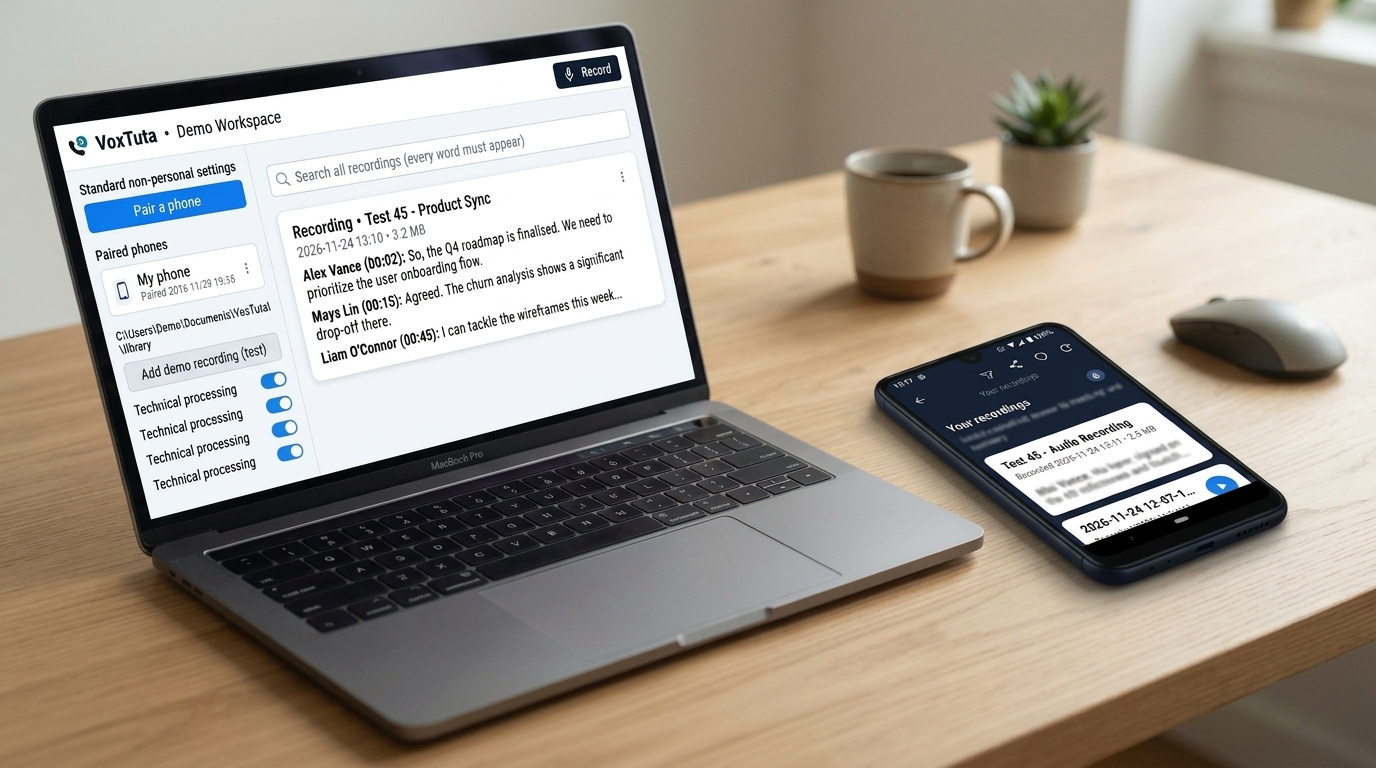
Pair your phone with the desktop app and the work moves to the bigger screen. Search every recording, follow each one through processing and read the results in comfort.

  • Pair a phone in moments
  • Search across every recording
VoxTuta open on a laptop with a phone beside it on a desk
04

Know who said what

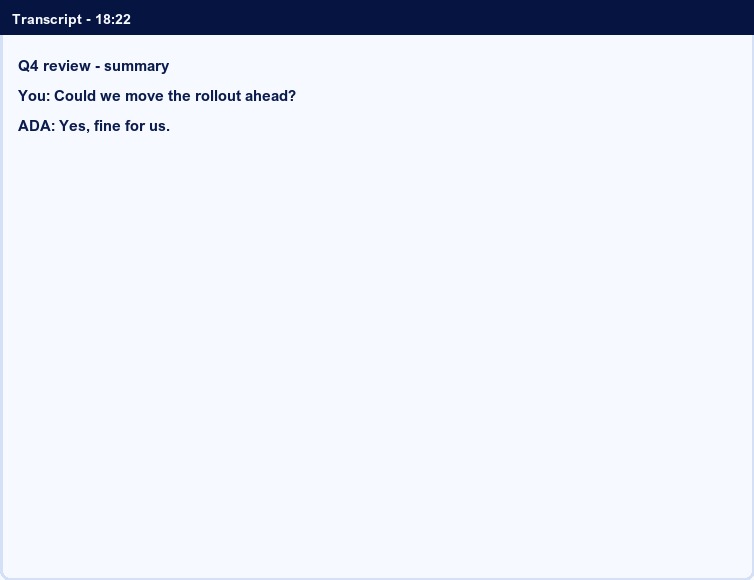
Speaker labelling attributes each line to the right person, so a transcript reads the way the conversation went.

  • Colour-coded speakers on every transcript
  • Run it again any time
A VoxTuta transcript with each line labelled by speaker
05

From transcript to summary

Switch between the full transcript, a concise summary, detailed notes and key points, then send the summary by email in one tap.

  • Short, detailed and full views
  • Key points and next steps at a glance
Two phones showing a full transcript and a short summary with key points
06

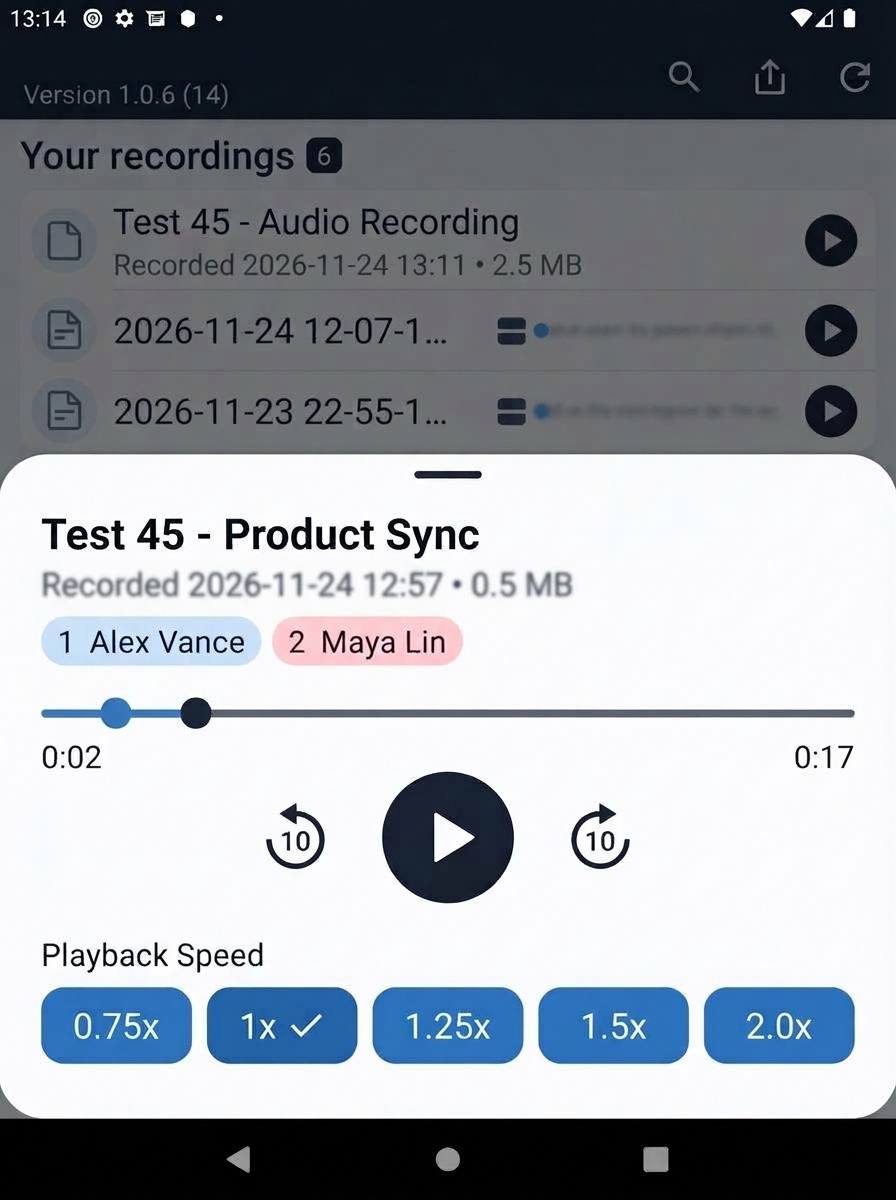
Listen at your pace

Go back to the original audio whenever you want to check a detail. Skip back ten seconds, and choose a speed from 0.75x to 2x.

  • Playback speed from 0.75x to 2x
  • Speakers shown alongside the audio
The VoxTuta playback screen with speaker labels and speed buttons

At a glance

Everything in one private app

Record, transcribe, label speakers and summarise, with your conversations staying on your own devices.

Offline-first

The core features keep working with no internet connection: on a train, in a basement meeting room, anywhere without signal.

Local AI processing

The AI that transcribes and summarises runs on your device, not someone else's server.

Private note storage

Notes are stored on your device, under your control.

Conversation transcription

Turn spoken conversations into text you can read, copy and check.

AI-generated summaries

Get the main points and follow-ups without re-listening.

Speaker labelling

See who said what, with every voice labelled and colour-coded.

Search and organisation

Find what was said, and keep related notes together.

Easy access to past conversations

Pick up where you left off, months later.

Want to be among the first to try it?

Register your interest. It takes about a minute, with no payment and no commitment.

Register your interest