
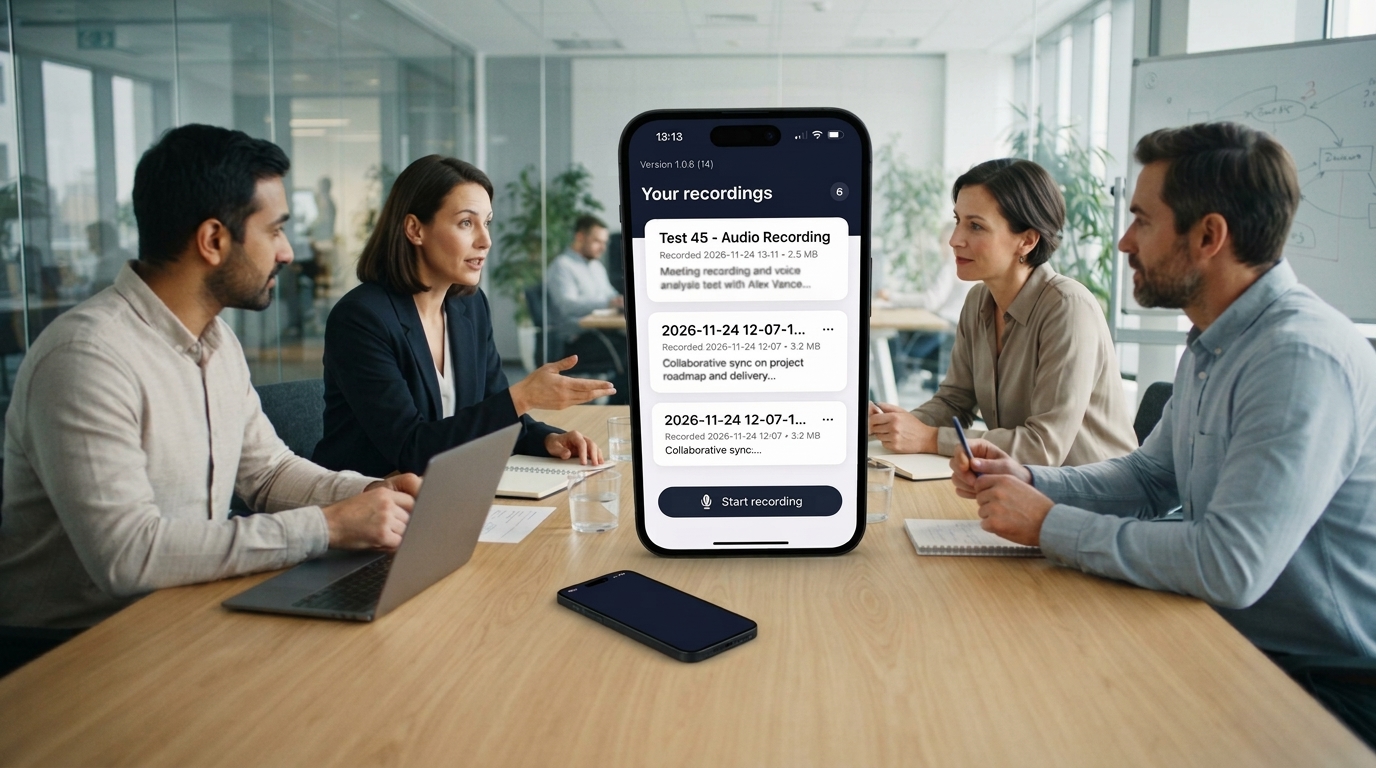
Record wherever it happens
Put your phone on the table and tap record. Meetings, calls and voice notes all land in one tidy list, with the date, size and a preview of what was said.
Private, offline AI note-taking
VoxTuta records, transcribes and summarises your conversations on your own devices, without sending them to a cloud AI service.
Why it matters
How that data is handled varies from product to product. For some conversations, it is a trade-off people would rather not make.
Recordings and transcripts may be sent to an external service for processing.
Some conversations feel too sensitive to hand to a third party.
Many tools need an internet connection before they will do anything.
You may have limited say over where your information is kept.
Subscription-based cloud services can mean ongoing charges.
How it works
Your phone or computer does the transcribing and the summarising. Your notes stay where you keep them, and the core features work with no internet connection and without handing your conversations to an outside AI service.

Start a recording of a meeting, call or voice note, right from your phone.
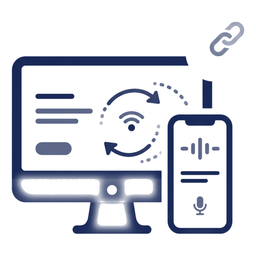
Pair your phone with the desktop app. The recording is processed by software running on your own devices.
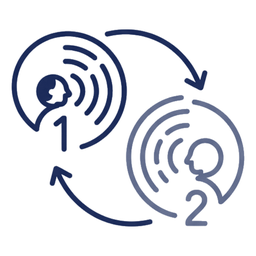
See who said what, with every voice labelled and colour-coded.

Read what was said and get a summary of the key points.
Features
Record, transcribe, label speakers and summarise, with your conversations staying on your own devices.
Put your phone on the table and tap record. Meetings, calls and voice notes all land in one tidy list, with the date, size and a preview of what was said.
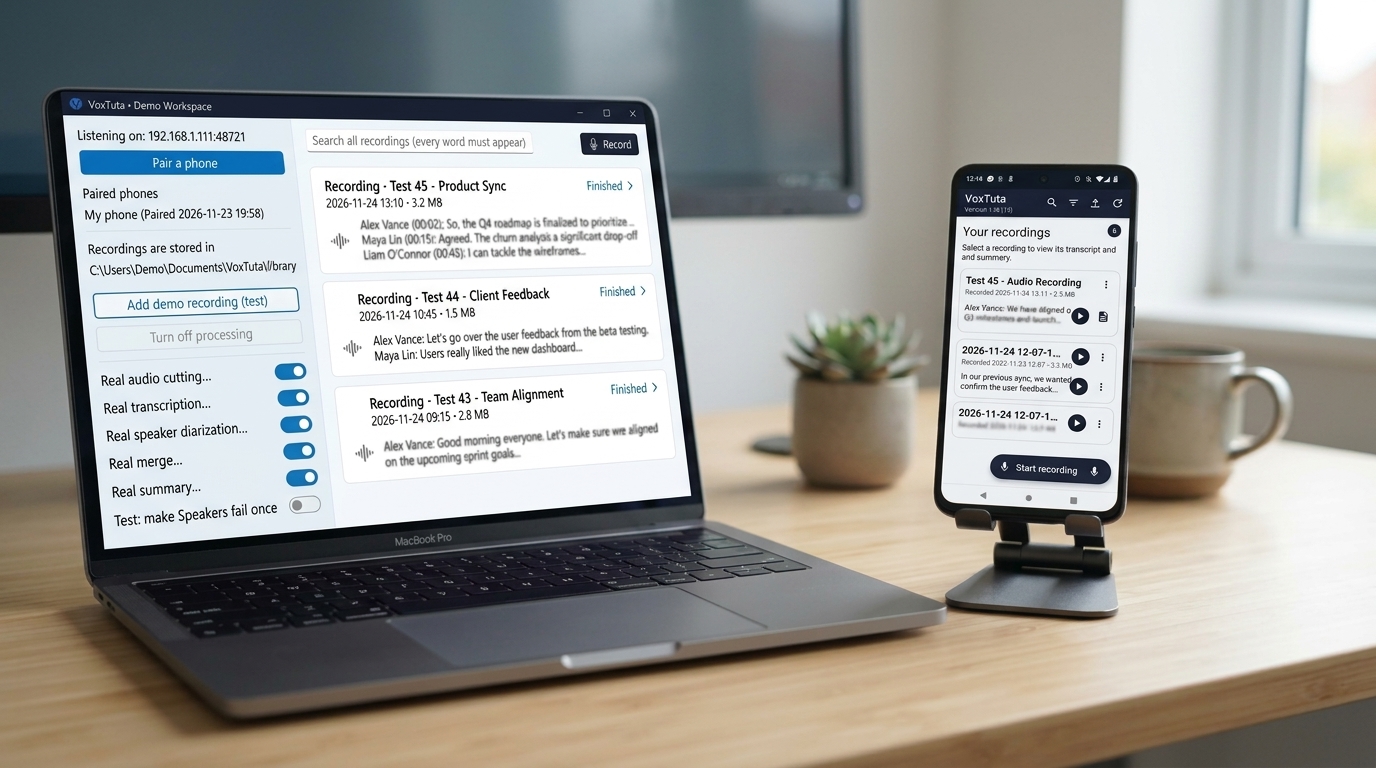
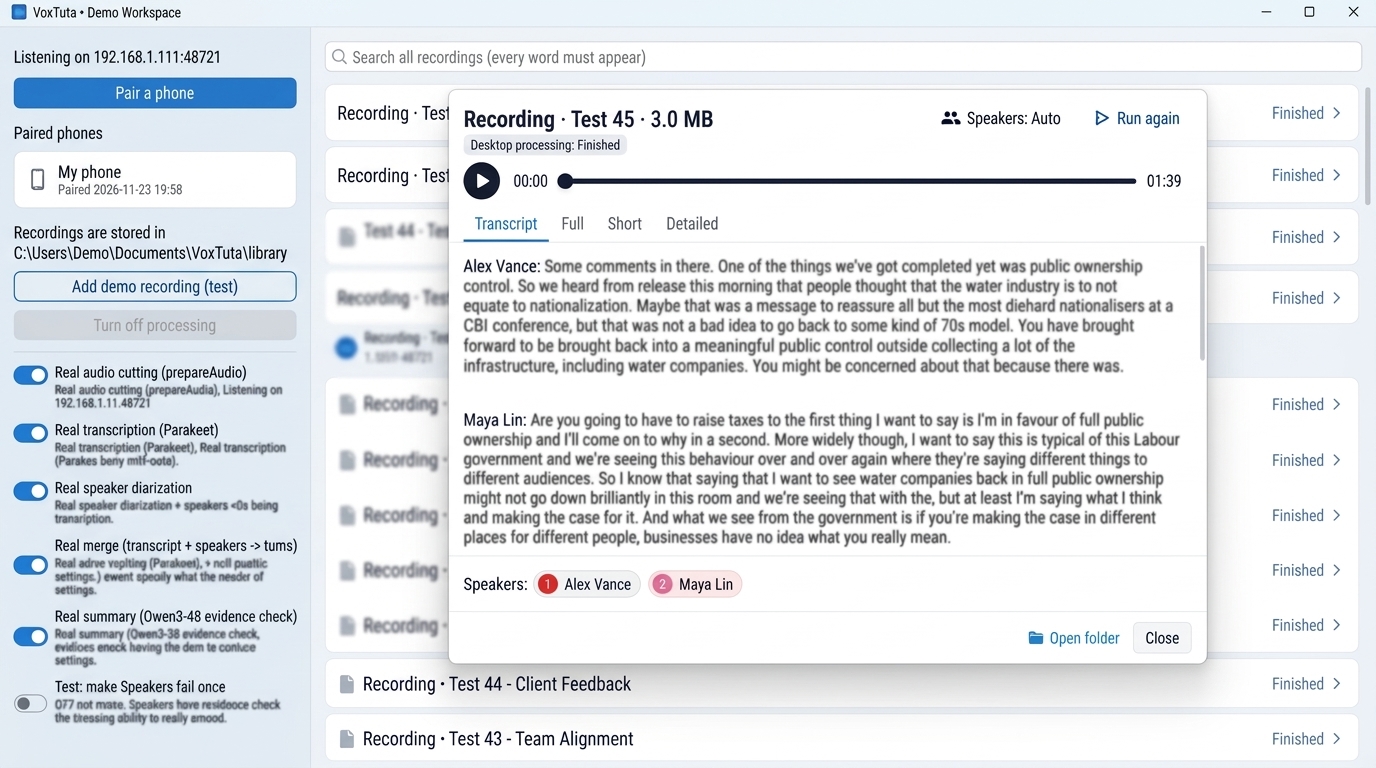
Pair your phone with the desktop app and the work moves to the bigger screen. Search every recording, follow each one through processing and read the results in comfort.
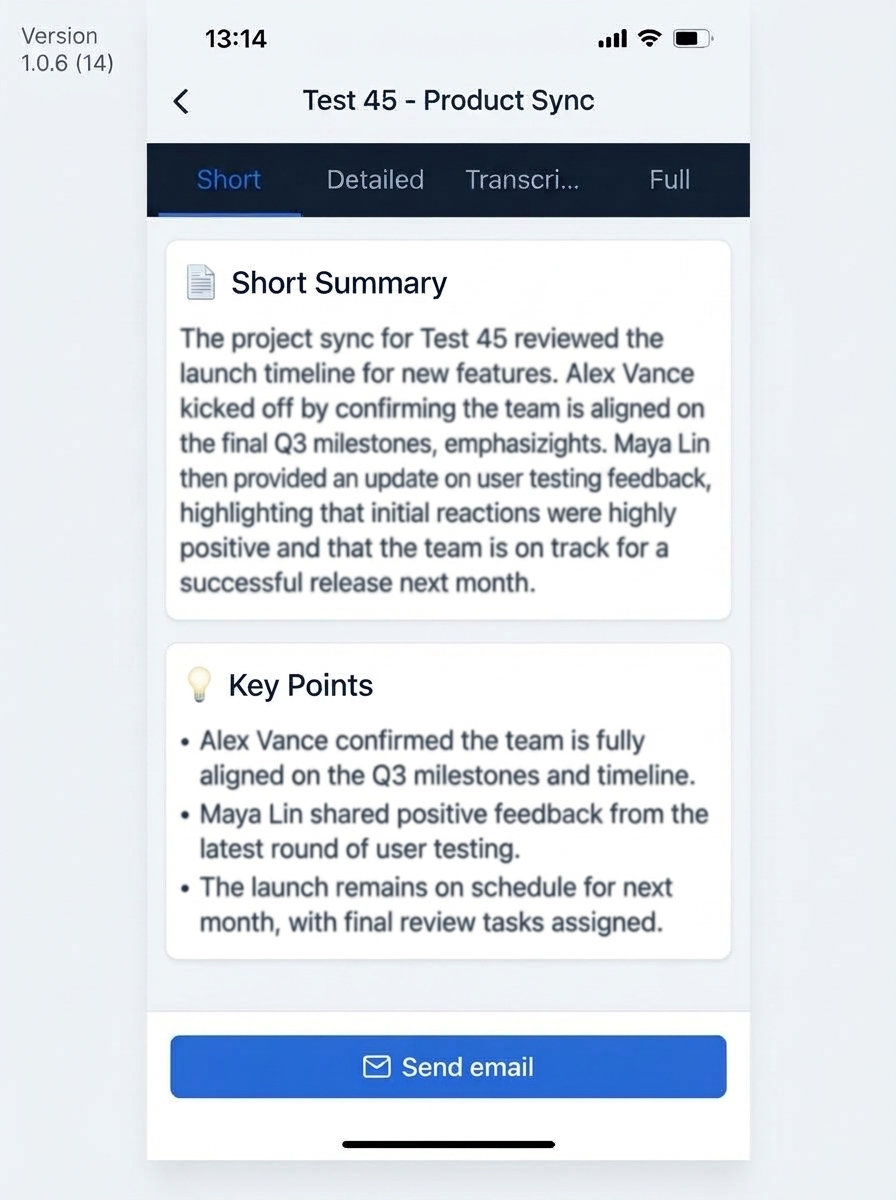
Switch between the full transcript, a concise summary, detailed notes and key points, then send the summary by email in one tap.
Privacy
VoxTuta is built around a simple question: why should a private conversation leave your device just to be summarised? With VoxTuta, it does not have to.
Recording, transcription and summaries happen on your device.
Core features do not need a connection.
You decide what to keep, export or delete.
Who it is for
And would rather keep them private.
Capture client calls and workshops without a note-taker in the room.
For discussions where confidentiality matters.
Keep a record of decisions and actions from meetings.
Keep interviews and field notes searchable and close to hand.
Review lectures, supervisions and seminars.
Or who simply wants to remember more of what was said.
Early access
Tell us you are interested and we will keep you in the loop. Tick the optional boxes and you may also be invited to try an early version or help shape the product.